
chevron_left
Projects
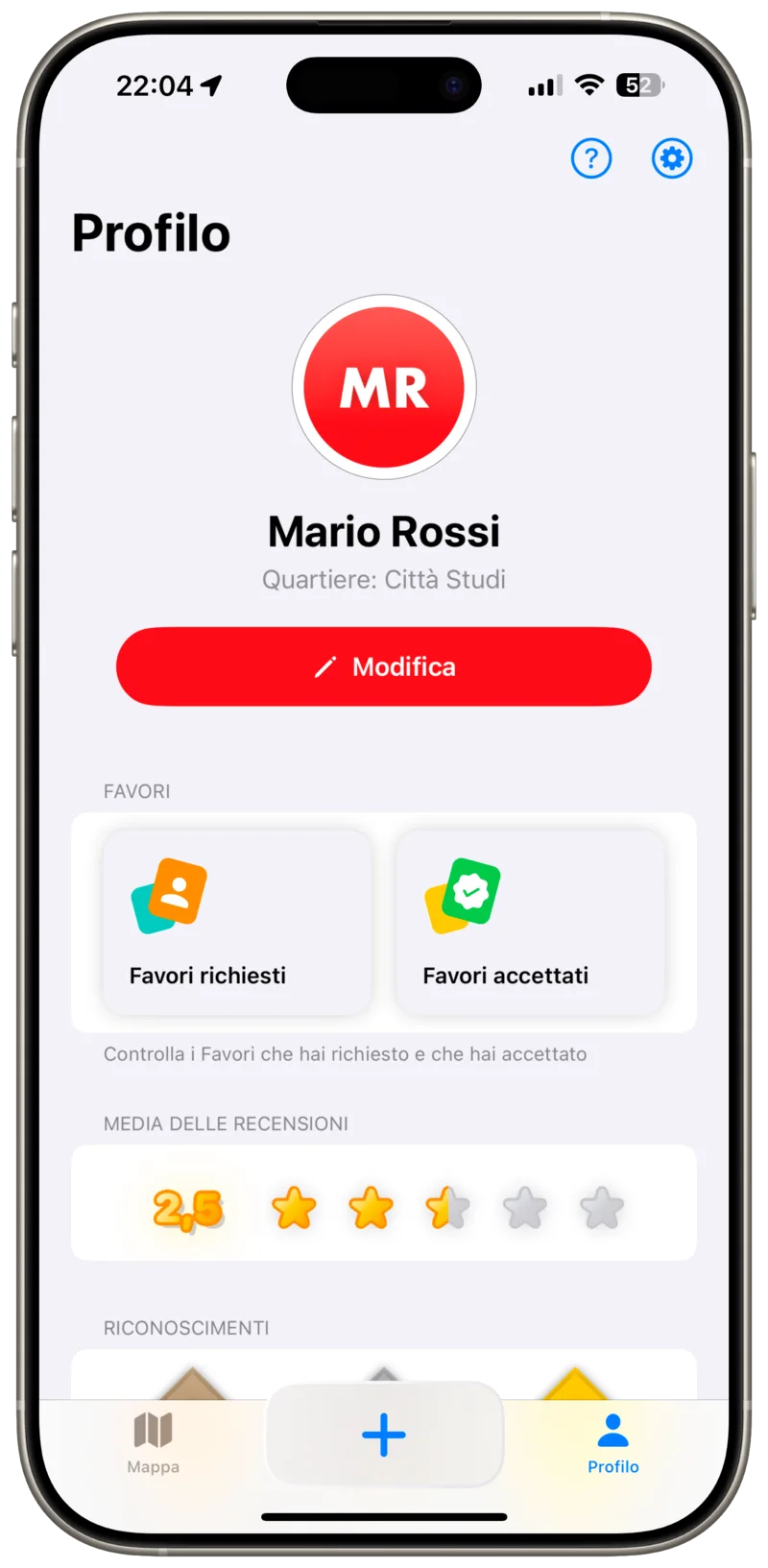
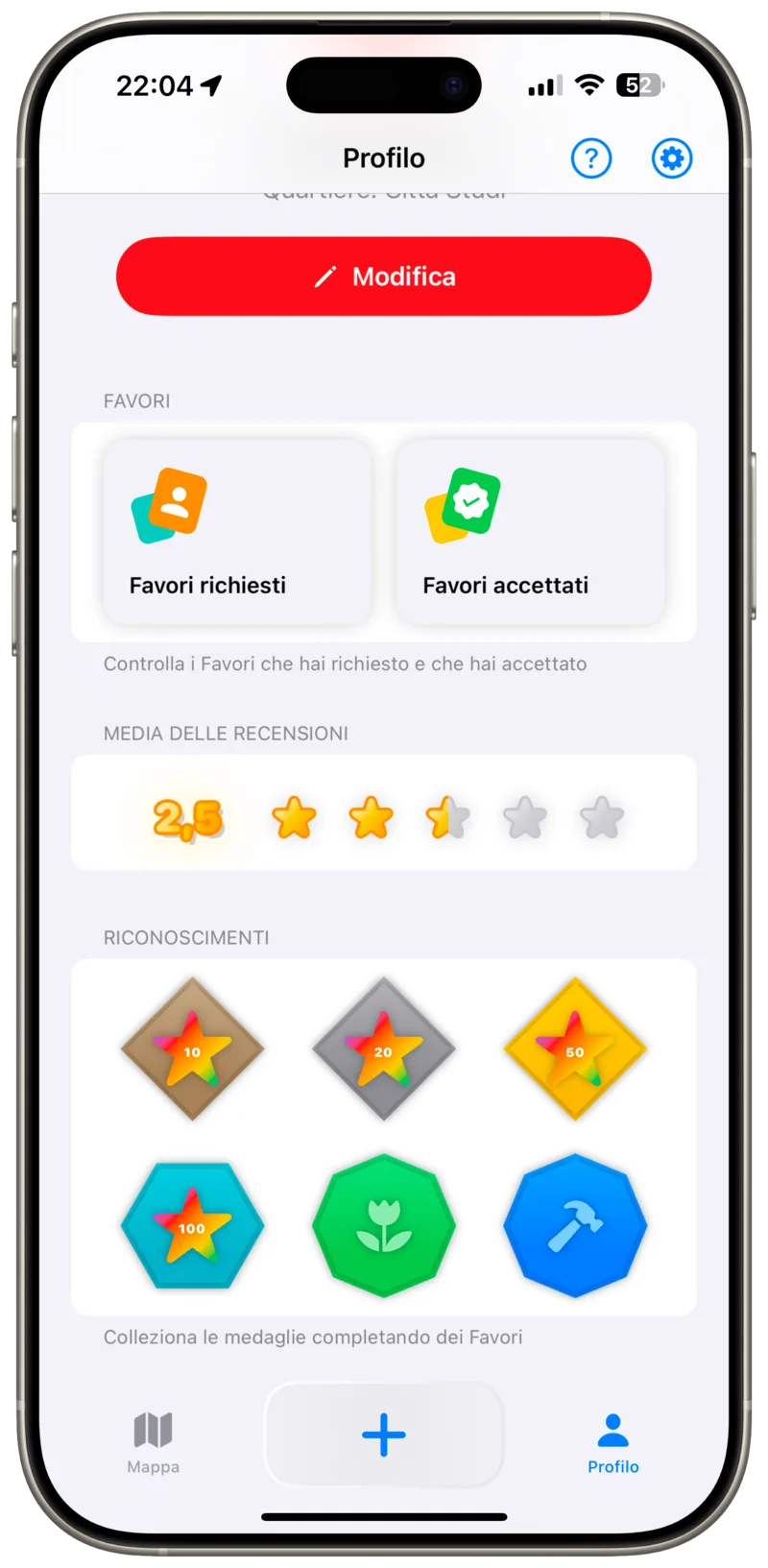
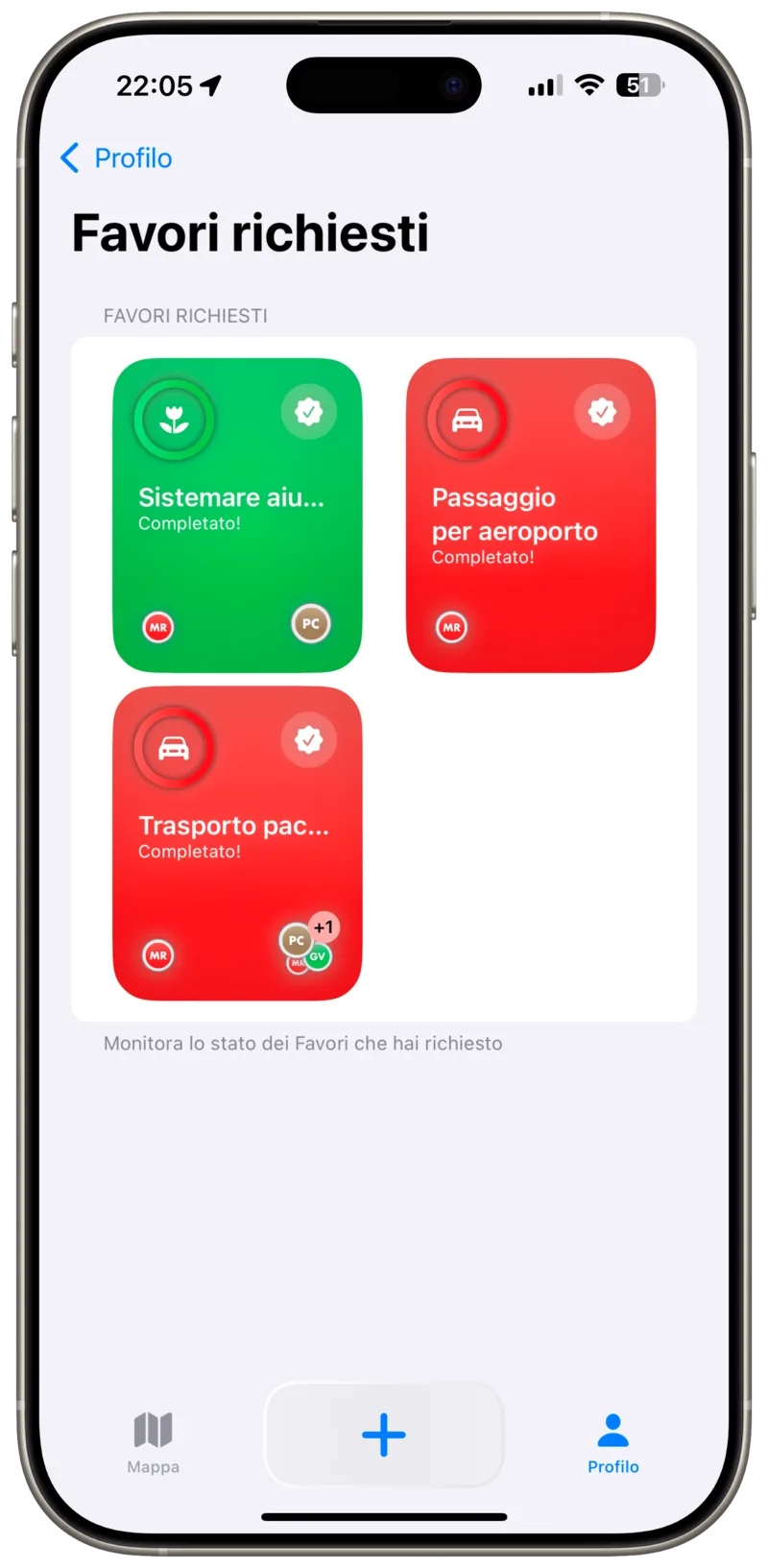
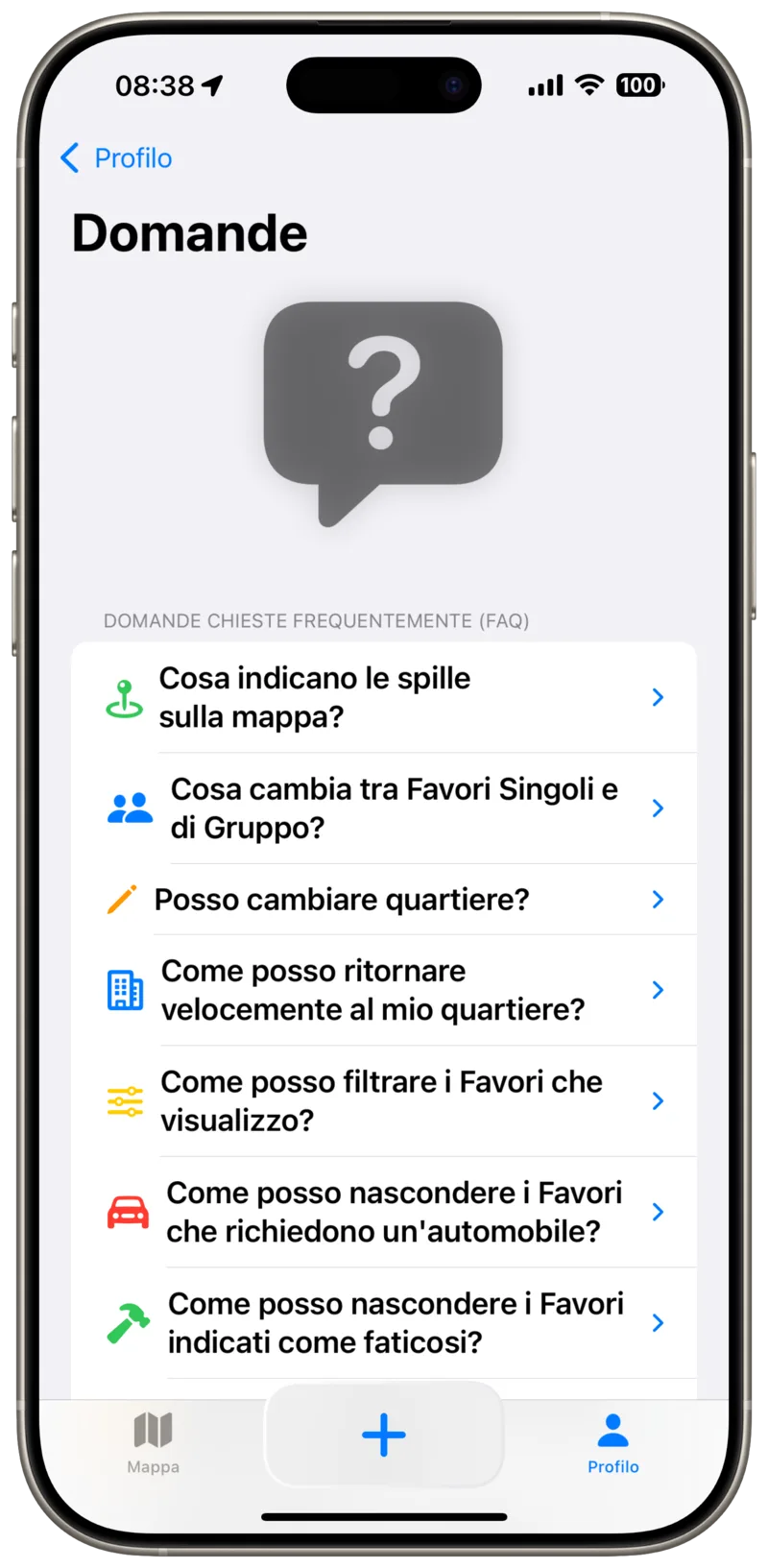
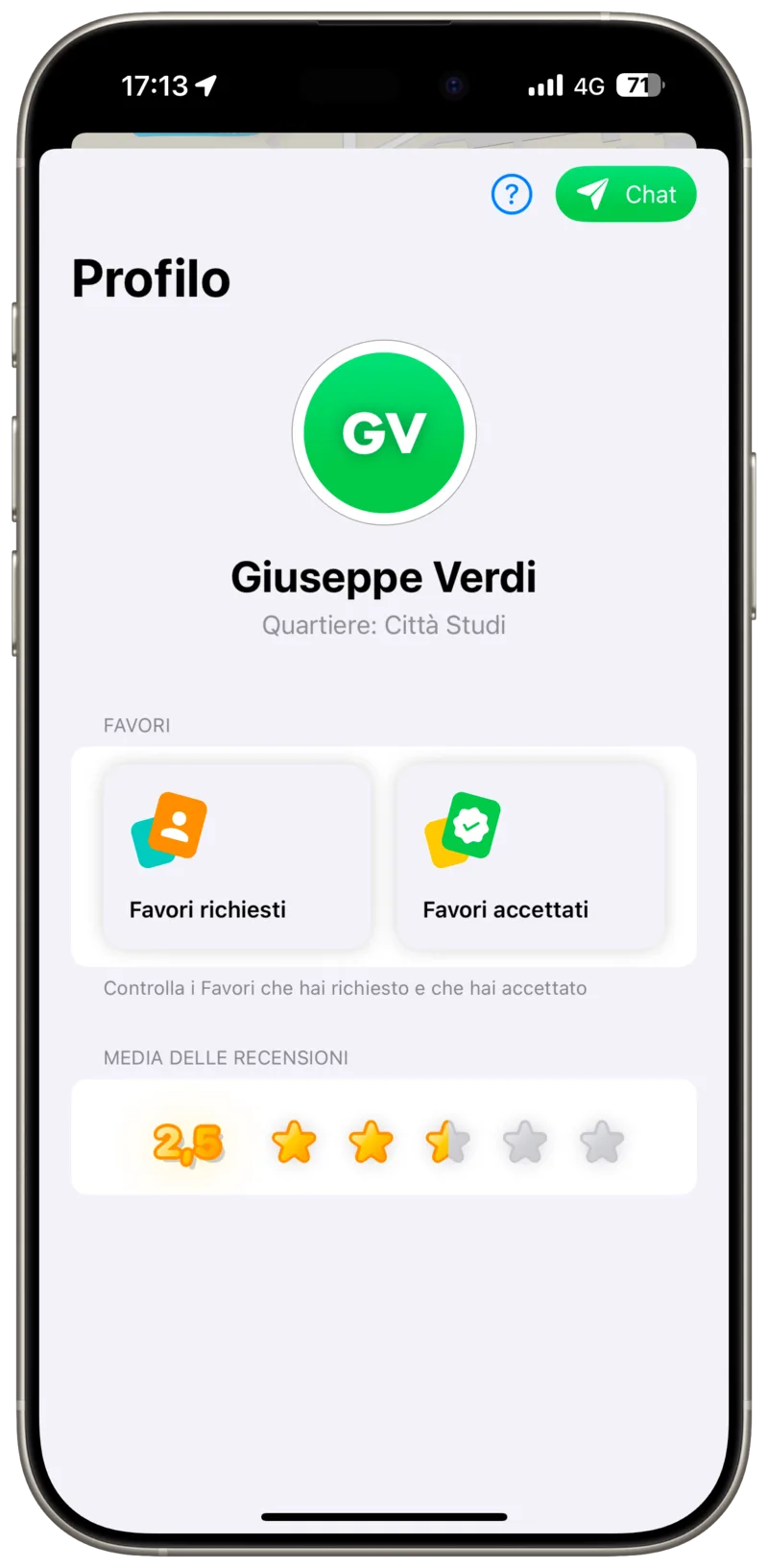
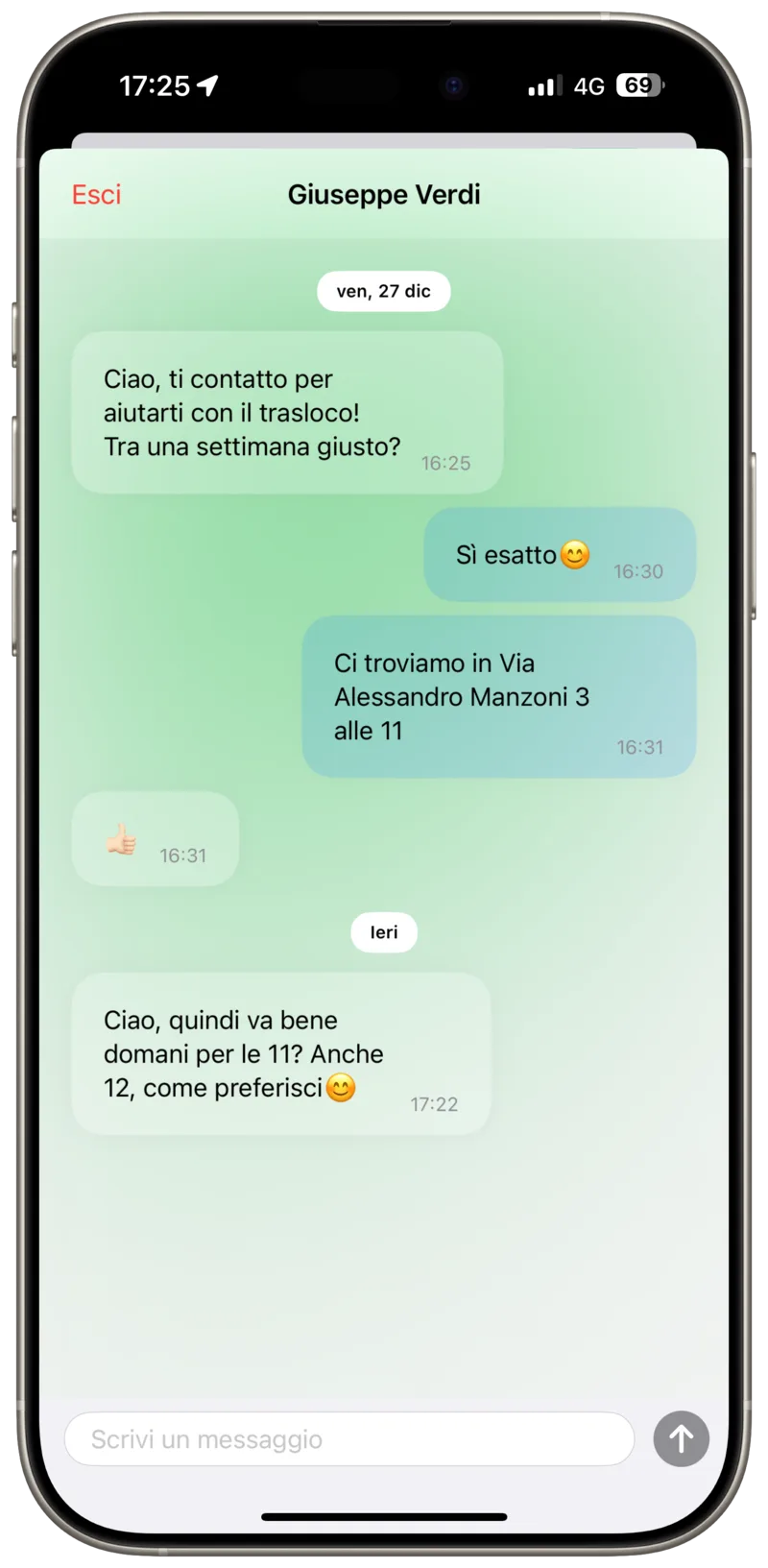
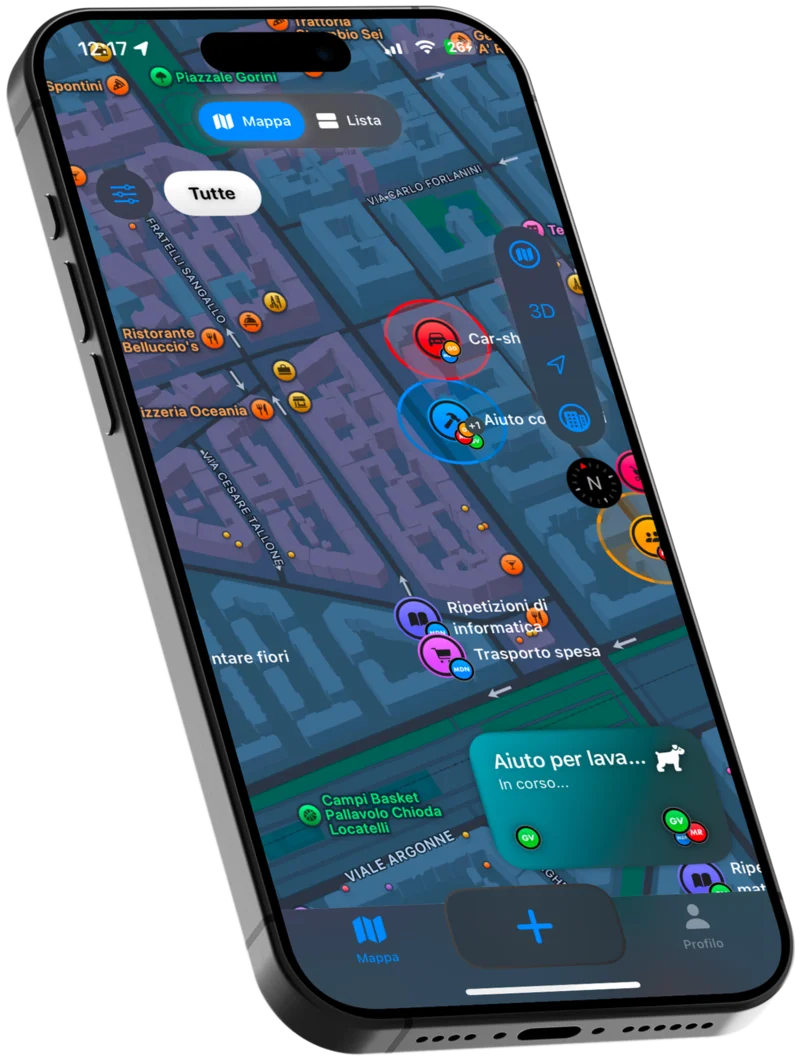
The Time2Help app shown on an iPhone
Time2Help logo

Time2Help

Give value to your time, build a better neighborhood

Fondamenti di Human-Computer Interaction

Bachelor

What is it?

Time2Help is a community-focused app designed to foster collaboration, mutual aid, and volunteering among neighbors. It reframes small favors, like watering a plant, lending a tool, or picking up groceries, as an accessible way to build trust and connection within a neighborhood.

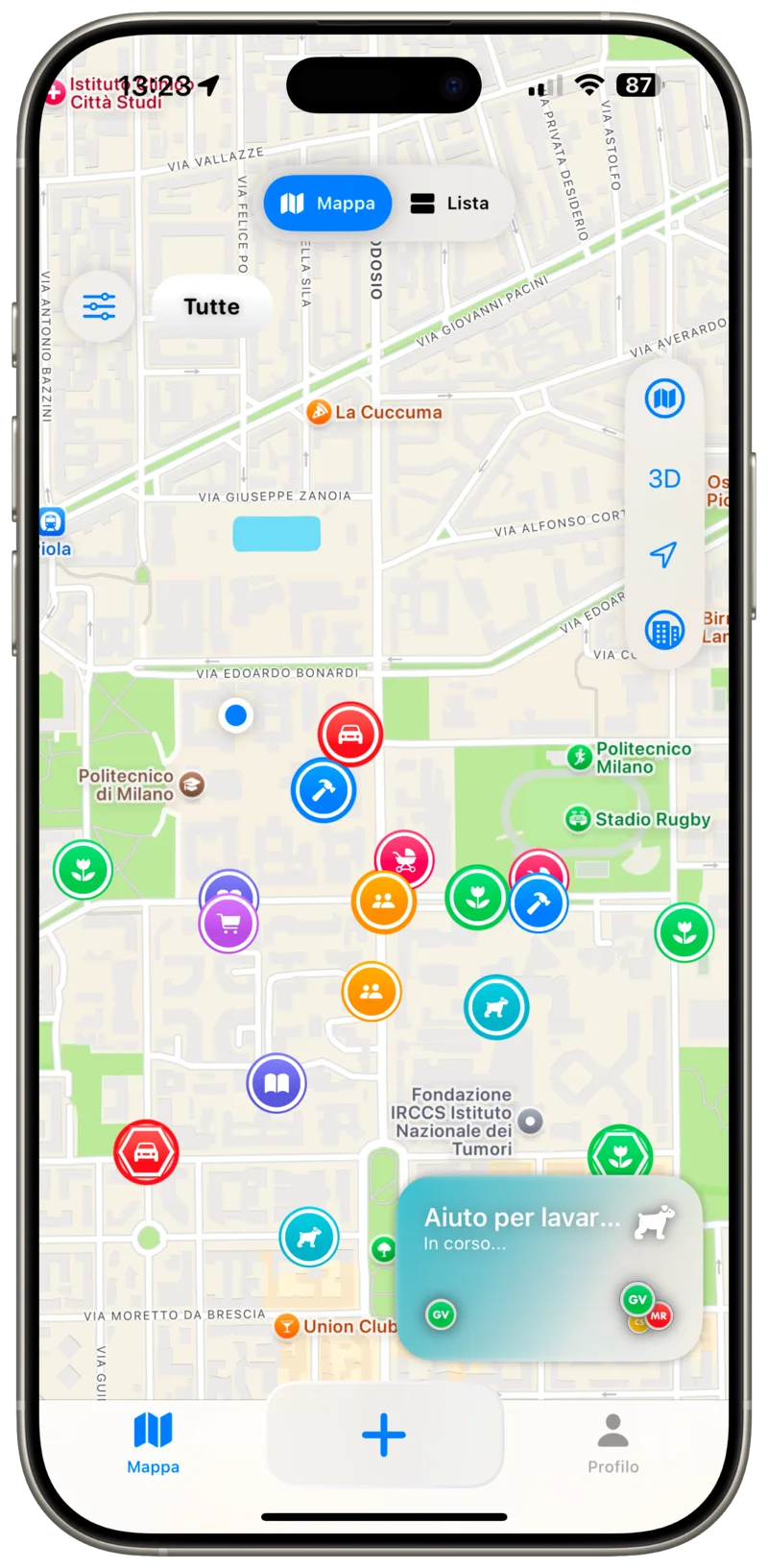
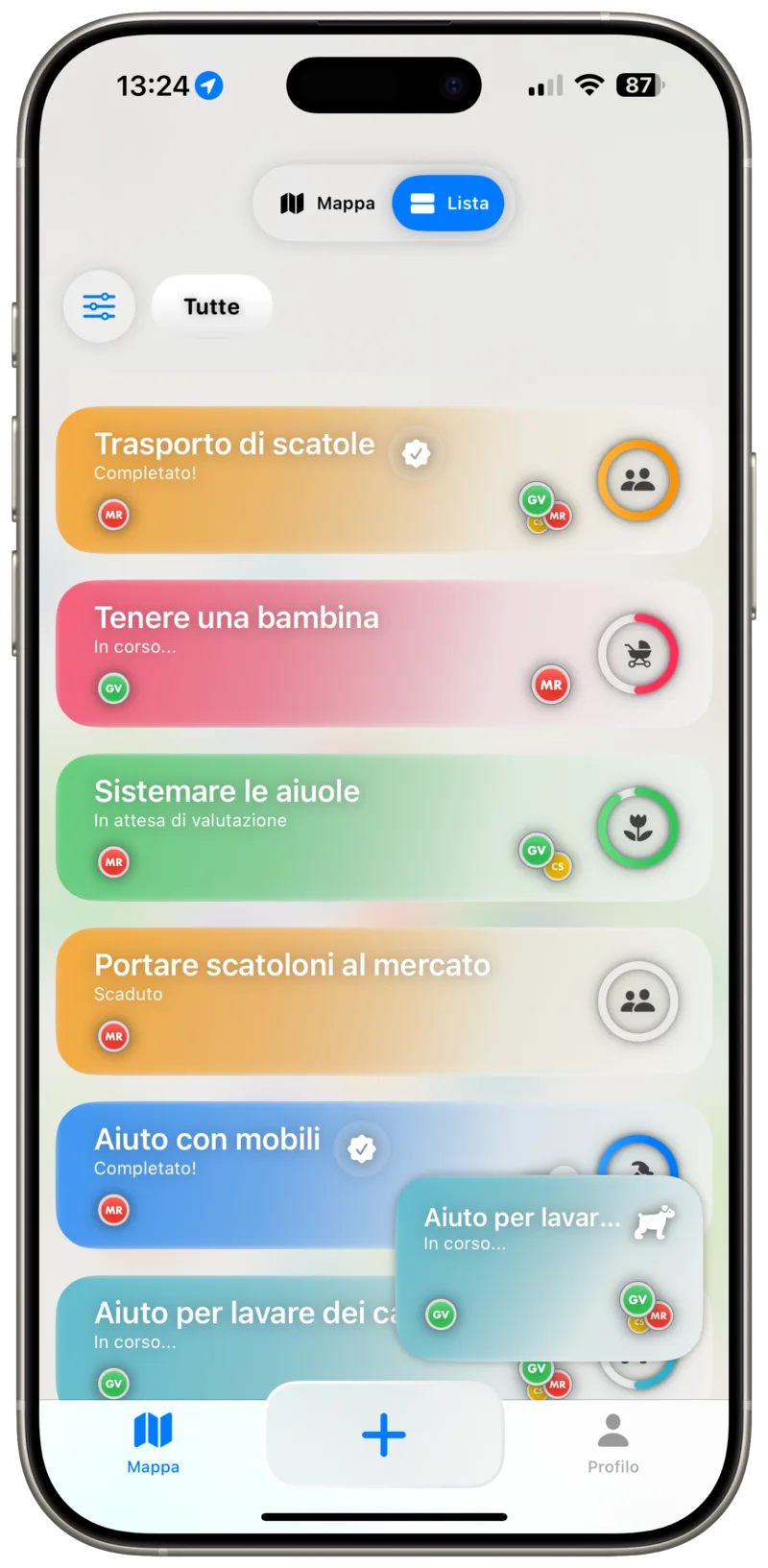
Users can browse nearby requests on an interactive map or list, offer their own help, or ask the community for a hand. Every exchange builds a shared sense of reliability between neighbors who might otherwise never meet.

The project started from a rigorous Human-Computer Interaction process: needfinding interviews, task analysis, low- and mid-fidelity prototyping, a heuristic evaluation, and usability testing with real users, before converging on a high-fidelity design.

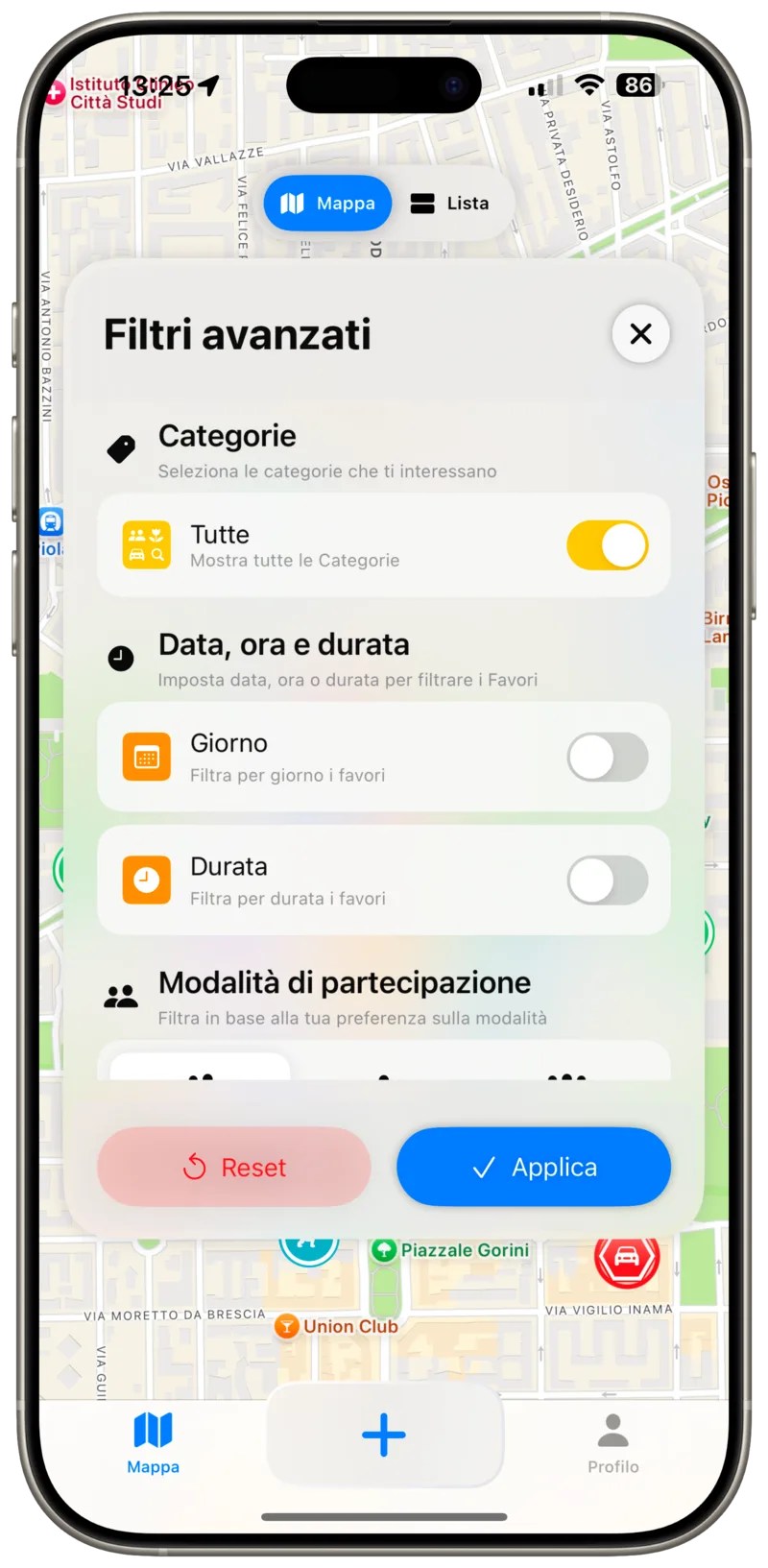
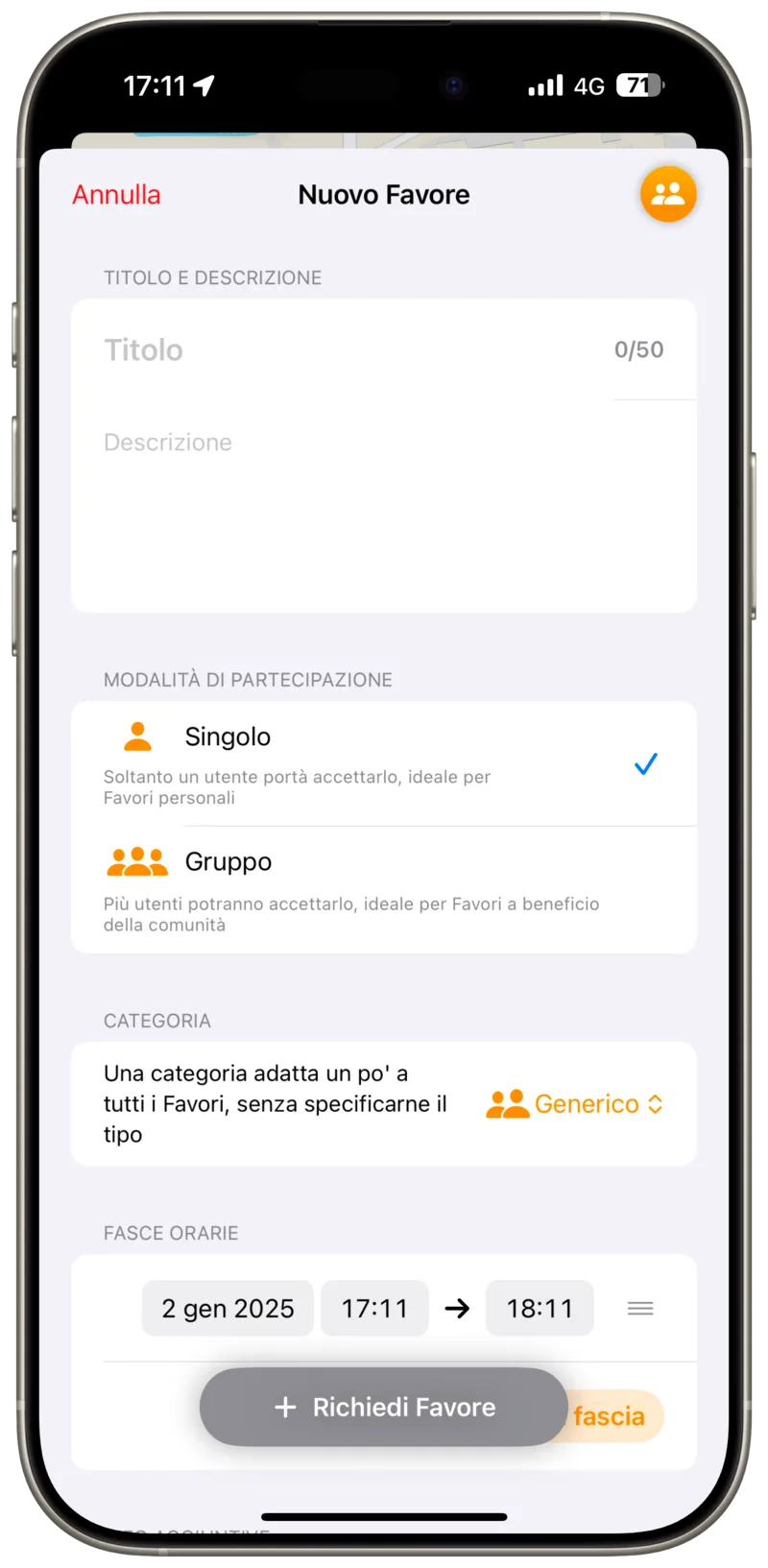
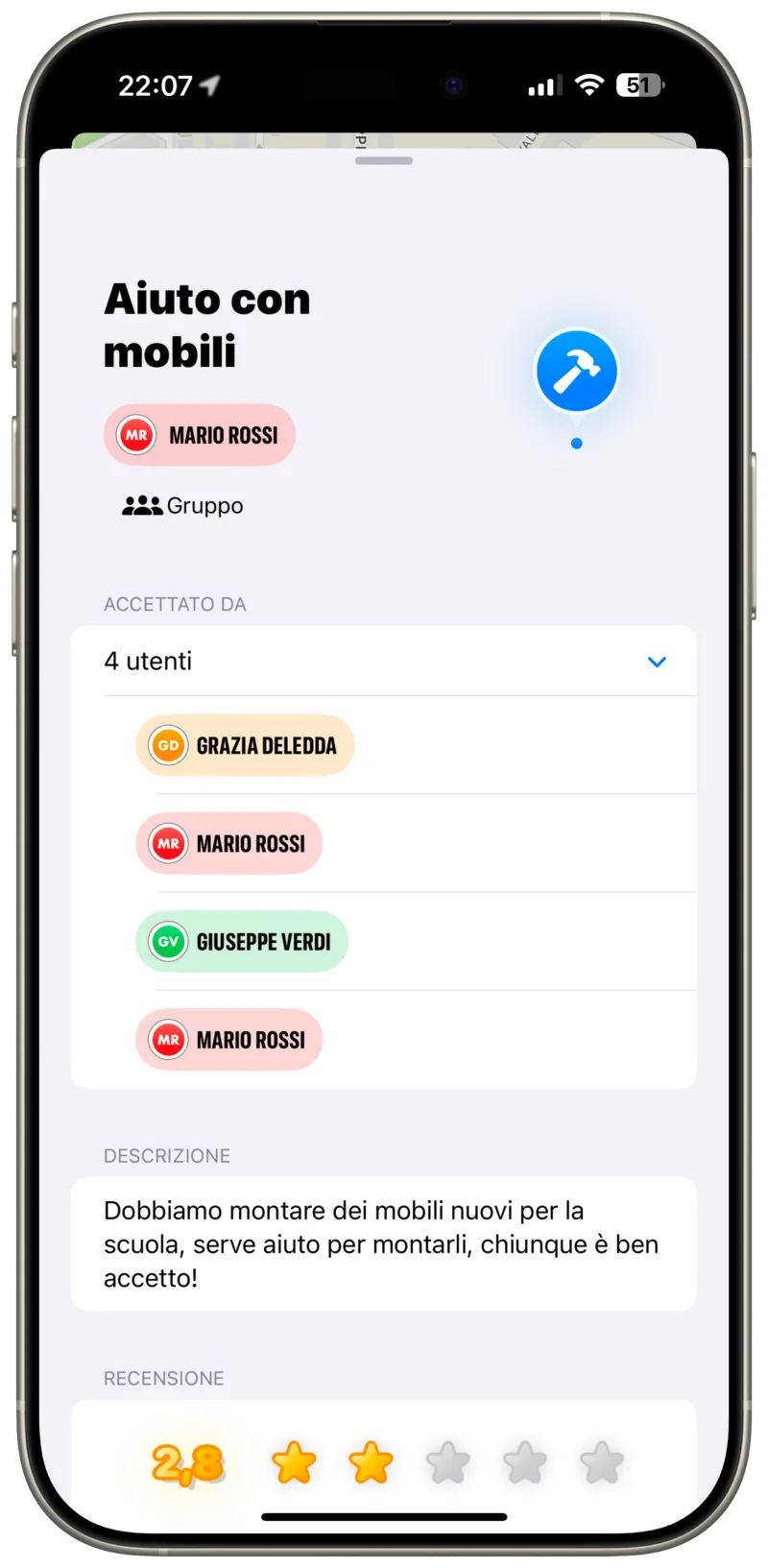
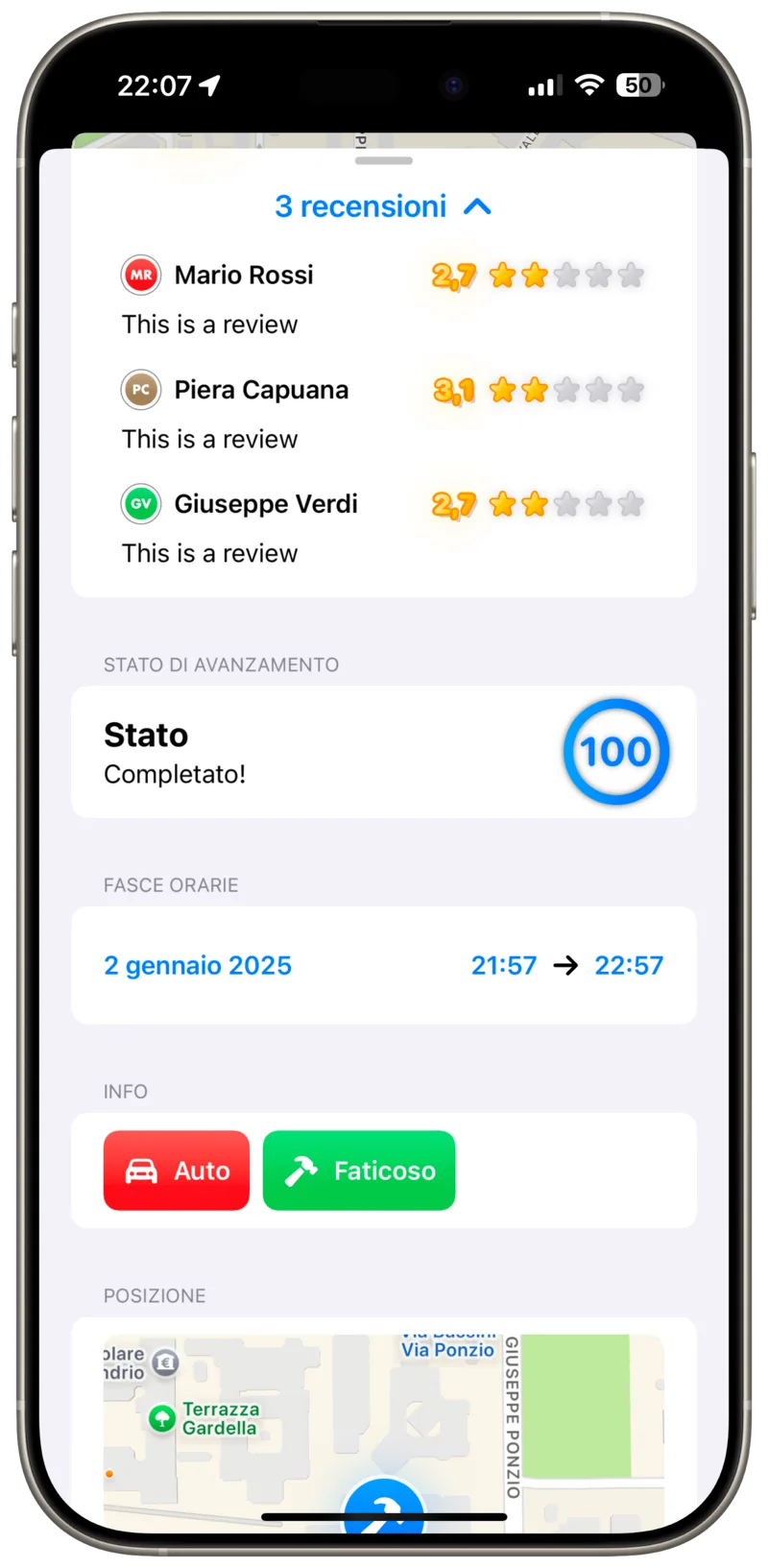
That final design was then built as a real, working iOS app in SwiftUI and MapKit, emphasizing a modern, intuitive user experience and interactive mapping functionalities.

group

Group Project

Design Process

Time2Help followed a full Human-Computer Interaction design cycle, from early user research all the way to a validated high-fidelity prototype. Each phase's deliverables are available in the project's repository.

Needfinding

Needfinding

We conducted interviews with our target users to run a "needfinding" process, uncovering the difficulties people face when volunteering and trusting the people who live in their own neighborhood.

View Deliverable 1 →
Refinement and focus

Refinement & Focus

We reviewed the interviews in detail, looking for the key points emerging from participants' stories to better understand people's needs around volunteering and mutual aid within their community.

View Deliverable 2 →
Tasks, storyboard and first prototypes

Tasks, Storyboard & First Prototypes

Through brainstorming, the team identified 3 core user needs of increasing difficulty and represented them in a storyboard. Prototyping began here too: two initial models were built to cover the tasks found, and one was selected to move forward.

View Deliverable 3 →
Prototype refinement

Prototype Refinement

We refined the chosen prototype into a mid-fidelity design in Figma that better reflected user needs and a stronger overall experience, then produced two documents: one for external evaluators, the other describing the prototype's use and the design choices behind it.

View Deliverable 4 →
Heuristic evaluation

Heuristic Evaluation

We were assigned another team's prototype and evaluated it against Nielsen's 10 usability heuristics, first individually flagging issues and suggested fixes, then consolidating the findings as a group.

View Deliverable 5 →
Usability testing and high-fidelity prototype

Usability Testing & High-Fidelity Prototype

We completed the prototype based on the heuristic evaluation's results, then tested our interface's effectiveness by having 7 users complete a usability testing session.

View Deliverable 6 →

User Interface

The final high-fidelity design was implemented as a real, working iOS app in SwiftUI and MapKit, fully supporting both light and dark mode.

Resources

Explore the prototypes and the final presentation of the project.